Connect Grafana to let Foggy query your dashboards, metrics, logs, alert states, and alert rules during investigations.
What Foggy can do
| Tool | Description |
|---|
| Metrics | Query time-series data from Grafana data sources |
| Logs | Search log data via Grafana’s log data sources |
| Dashboards | Read dashboard panels and their current state |
| Alerts | Check currently firing alerts and their details |
| Alert rules | Inspect alert rule definitions and thresholds |
Setup
Go to Connectors → Add Connector → Grafana and fill in the form.
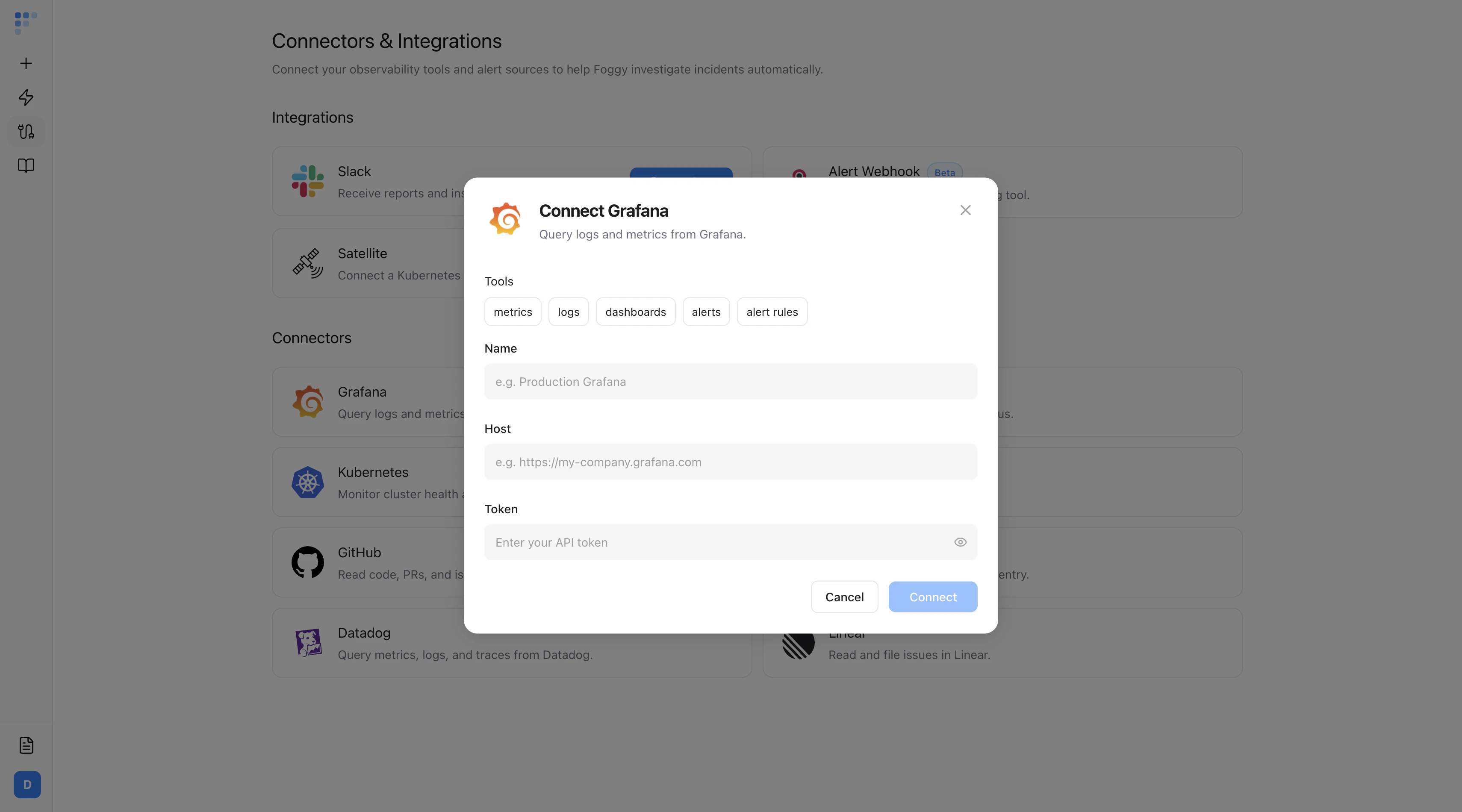
| Field | Required | Description |
|---|
| Name | Yes | A label for this connector (e.g. “Production Grafana”) |
| Host | Yes | Your Grafana instance URL (e.g. https://my-company.grafana.com) |
| Token | No | API token for authenticated access. Create a service account token with Viewer role. |
Foggy uses read-only access. Your data is never modified.
Next steps