

What Foggy can do
Read (default):
Write (opt-in, only when Enable write tools is on):
The “cannot” list is enforced server-side via a GitHub MCP
GITHUB_EXCLUDE_TOOLS deny-list, not by the token scope alone — even a token with broad write permissions cannot push code through Foggy.
Setup
Go to Connectors → Add Connector → GitHub and fill in the form.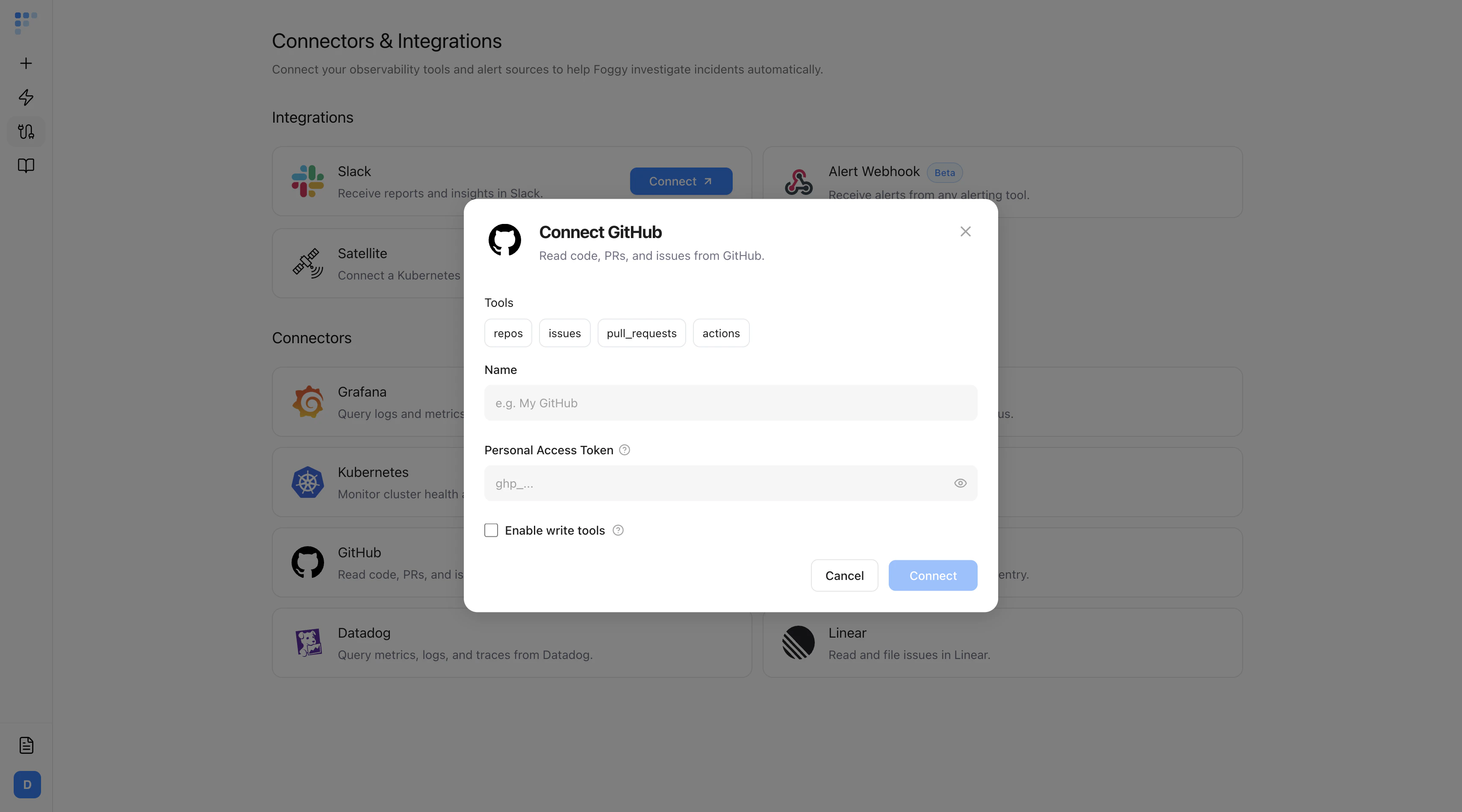
Read-only by default. Turning on Enable write tools does not unlock destructive operations (push, merge, repo create). Those are blocked regardless of token scope.
Troubleshooting
- 403 on any tool — the token is missing a required scope. Re-issue with Contents, Actions, Issues, and Pull requests at minimum.
- Empty results on a private repo — fine-grained tokens require per-repository access grants. Confirm the repo is listed in the token’s repository access.
- “Foggy wanted to file an issue but couldn’t” — Enable write tools is off, or the token lacks write scope on Issues. Enable the checkbox and re-issue the token.
- Rate-limit errors — GitHub caps unauthenticated calls low. Always use a token, not anonymous access.
Next steps
Sentry
Pair GitHub with Sentry to link errors to recent commits.
Kubernetes
Connect your cluster to correlate deploys with live pod state.