

How it works
- Write entries in Markdown — architecture docs, runbooks, troubleshooting procedures
- Enable or disable individual entries with a toggle
- Foggy uses them automatically — enabled entries are sent to the agent as context before every investigation
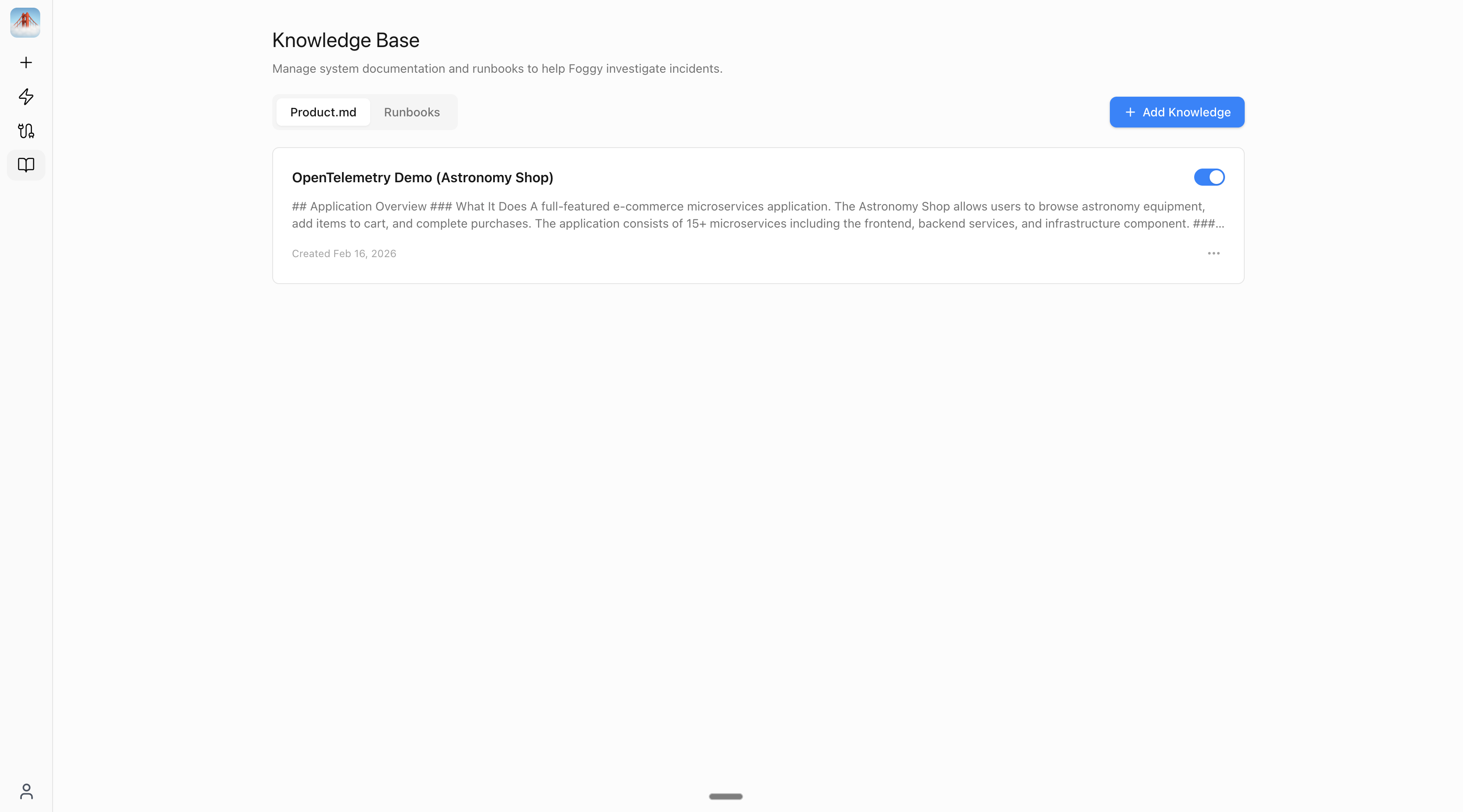
Two categories
Example entries
Product Doc: “Checkout Service”- Use when: DNS resolution fails or services can’t reach each other
Writing effective entries
- One topic per entry — a focused “Payment Service Architecture” is more useful than a massive “Everything About Our System” doc
- Include escalation paths — add team names and Slack channels so Foggy can suggest who to contact
- Disable rather than delete — if an entry becomes outdated, toggle it off. Re-enable it when it’s relevant again.
Next steps
Automations
Set up scheduled and alert-triggered investigations that run automatically.
Slack Bot
Investigate incidents and get automation results directly in Slack.
Connect data sources
Add Grafana, Kubernetes, and more to power investigations.